CRM Comparison for Private Equity Firms and Portfolios
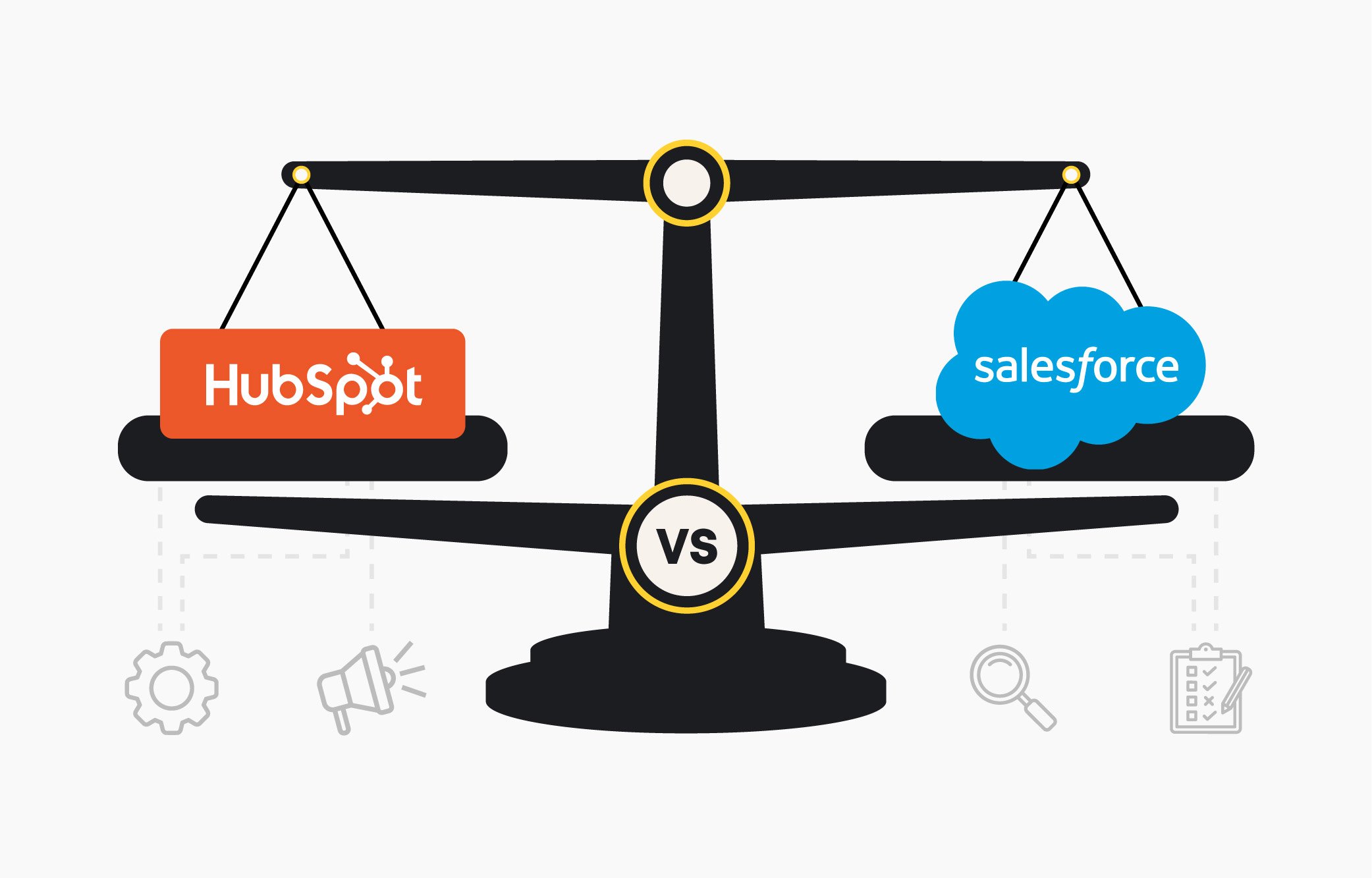
This page compares how HubSpot and Salesforce support CRM workflows across private equity portfolio companies. Each section provides a side-by-side walkthrough of how key capabilities, like imports, segmentation, and reporting, are configured in practice, what setup or tooling is required, and how each platform impacts oversight, scalability, and time to value across your portfolio.
CRM Workflow Comparisons:
Importing Data
Building Segments
Data Management
Managing Permissions
Pipelines & Routing
Workflows & Automation
Reporting & Dashboards
Prepping for AI
Configuring AI
Importing & Managing Portco CRM Data
How Portfolio Companies Handle CRM Data Imports Across Scale and Complexity.
This comparison shows how HubSpot and Salesforce support CRM data imports across portfolio companies, mapping, deduplication, associations, and tools needed during onboarding or migration.
View Side-by-Side Data Import Comparison
HubSpot Imports
Salesforce Imports
Native imports for all CRM objects
Large files require Data Loader
Automatic mapping + deduplication
Admin access required for imports
Multi-object associations in one upload
Multi-object imports run separately
Error handling built into the flow
No native deduplication available
No external tools or admin setup needed
Requires admin access and additional setup
Want to see how portcos import CRM data?
Explore how portfolio companies manage CRM data migrations, and see what faster, scalable data onboarding actually looks like in HubSpot.
Building Segments that Drive Portco Automation
How Portcos Segment CRM Data to Power Automation and Personalization.
This comparison shows how HubSpot and Salesforce segment CRM data across portfolio companies, evaluating accuracy, cross-object filters, automation readiness, and maintenance over time.
View Side-by-Side Segmentation Comparison
HubSpot Segments
Salesforce Segments
Real-time updates across CRM objects
Segmentation built on reports and views
Cross-object filters without custom types
Dynamic updates need custom logic
Behavioral + CRM data in one engine
Limited cross-object filters without types
Syncs with automation, journeys, and ads
Behavioral data needs extra setup
No admin effort or list rebuilds
Static lists require manual updates
Want to see how segmentation actually works?
Explore how portfolio companies build dynamic CRM segments, and see how this structure drives automation, targeting, and scale in HubSpot.
Integrations and Portfolio Data Management
How Portcos Manage CRM Integrations, Data Sync, and System Scalability.
This comparison explores how HubSpot and Salesforce manage integrations across portfolio systems, covering APIs, data syncing, governance, tooling, and long-term maintenance across portcos.
View Side-by-Side Data Management Comparison
HubSpot Integrations
Salesforce Integrations
Direct REST APIs with scalable limits
Many integrations require Apex or dev-built flows
Webhooks built directly into workflows
Middleware often needed for complex syncing
Native integrations across major tools
API limits vary by edition and restrict volume
Data Hub supports custom code + transforms
Webhooks require custom development work
Flexible syncing without middleware
Cross-object sync often requires add-ons
Curious how your systems connect inside HubSpot?
Learn how portfolio companies model CRM data and integrate core tools, without the overhead of middleware or custom frameworks.
Managing Portco Permissions and Access
How Portfolio Companies Govern User Roles, Permissions, and CRM Visibility Across Teams.
This comparison shows how HubSpot and Salesforce handle CRM permissions across portfolio companies, covering role management, access control, governance, and admin effort at scale.
See how portfolio companies manage users, teams, and access at scale, with less configuration, cleaner governance, and faster onboarding in HubSpot.
Structuring Portco Pipelines and Routing
How Portfolio Companies Structure Pipelines and Manage Territory-Based Lead Routing.
Learn how portfolio companies structure pipelines, manage routing logic, and adapt to shifting territories, without relying on developers, fragmented tools, or ongoing admin configuration in HubSpot.
View Side-by-Side Routing Comparison
HubSpot Routing
Salesforce Routing
Unified setup for stages, routing, and transitions
Stage logic tied to record types and page layouts
Conditional routing using properties and teams
Routing depends on Flow, Process Builder, or Apex
Round-robin and weighted assignment built in
Assignment rules require ongoing admin alignment
Supports AI routing and custom code actions
Complex transitions can create conflicting logic
Simple governance across pipelines and teams
Multiple tools needed to manage routing at scale
Want to see how routing works at scale?
Learn how portfolio companies manage pipeline logic and assignments with agility, without admin bottlenecks or code-heavy tools in HubSpot.
Automating Workflows Across Your Portfolio
How Portfolio Companies Scale Workflow Automation Across Teams, Objects, and Tools.
This comparison shows how HubSpot and Salesforce manage CRM automation, focusing on workflow logic, cross-object actions, monitoring tools, and scaling automation across portfolio teams and systems.
View Side-by-Side Workflow Comparison
HubSpot Workflows
Salesforce Workflows
Unified workflow engine across objects
Automation spread across multiple tools
Built-in branching, delays, and testing
High admin effort to prevent conflicts
Supports webhooks, custom code, and AI
Complex flows can fail without alerts
Centralized monitoring with version control
Updates require manual version testing
Fewer workflows, fewer failure points
Developer support needed for complexity
Ready to see automation built inside your CRM?
Explore how portfolio companies automate complex workflows across systems and teams, then see how HubSpot centralizes and simplifies automation with less code and fewer tools.
Visualizing Portfolio Data with Dashboards
How Portfolio Companies Build Real-Time Dashboards for Cross-Object Visibility and Insight.
This comparison shows how HubSpot and Salesforce handle reporting across portcos, covering real-time dashboards, cross-object visibility, flexibility, and the effort required to customize insights.
View Side-by-Side Reporting Comparison
HubSpot Reporting
Salesforce Reporting
Unified model enables cross-object reporting
Report types required before dashboards
Dashboards built without predefined templates
Cross-object reporting limited by schema
Real-time updates synced across Hubs
Advanced visuals require Tableau or BI
AI insights and drill-downs included
Admin setup needed for report changes
Easy sharing without admin oversight
Slow iteration due to access layers
Ready to see reporting built for real leaders?
Explore how private equity firms and portcos build dashboards for visibility, alignment, and insight, then see how HubSpot simplifies reporting across your portfolio.
Preparing Your Portfolio CRM for AI
How Portfolio Companies Ready CRM Data for Responsible and Scalable AI Use.
Learn how private equity firms prepare CRM data for AI adoption, then explore how HubSpot enables faster, more responsible AI rollouts without complex setup, licensing hurdles, or external data infrastructure.
View Side-by-Side AI Readiness Comparison
HubSpot AI Readiness
Salesforce AI Readiness
Unified schema across all CRM objects
Requires Data Cloud before AI unlocks
No Data Cloud or prep layer
Data mapping and unification required
AI uses full CRM context
Identity resolution and harmonization steps
Built-in quality and normalization rules
Extra licenses and admin roles needed
Fast activation with minimal setup
Setup varies by complexity and volume
Want to see how AI fits your CRM?
Learn how private equity firms prepare CRM data for AI, then explore how HubSpot enables faster, more responsible AI adoption without complex data infrastructure.
Configuring AI for Portco Workflows
How Portfolio Companies Configure AI Agents to Drive Daily GTM Execution.
This comparison shows how HubSpot and Salesforce deploy AI assistants, covering setup effort, CRM access, permissions, and how quickly AI becomes usable across portfolio teams.
View Side-by-Side AI Agent Comparison
HubSpot AI Features
Salesforce AI Features
AI assistants embedded across CRM tools
Requires enabling Einstein and Agentforce
Agents configured directly in Breeze Studio
Role and permission setup required
Full CRM context available immediately
Data access configured through Data Cloud
No provisioning or external services needed
Agent actions rely on Flow or Apex
Fast deployment across teams and channels
Additional licensing needed for activation
Ready to see AI working inside daily workflows?
Explore how portfolio companies deploy AI agents to support real workflows, then see how HubSpot enables smarter execution with embedded tools, faster rollout, and zero friction.
.png?width=552&height=88&name=aptitude8%20-%20standard%20-%20White%20-%20LG%20(1).png "aptitude8 - standard - White - LG (1)")
.png?width=750&height=405&name=Building%20a%20Scalable%20HubSpot%20Strategy%20(2).png)