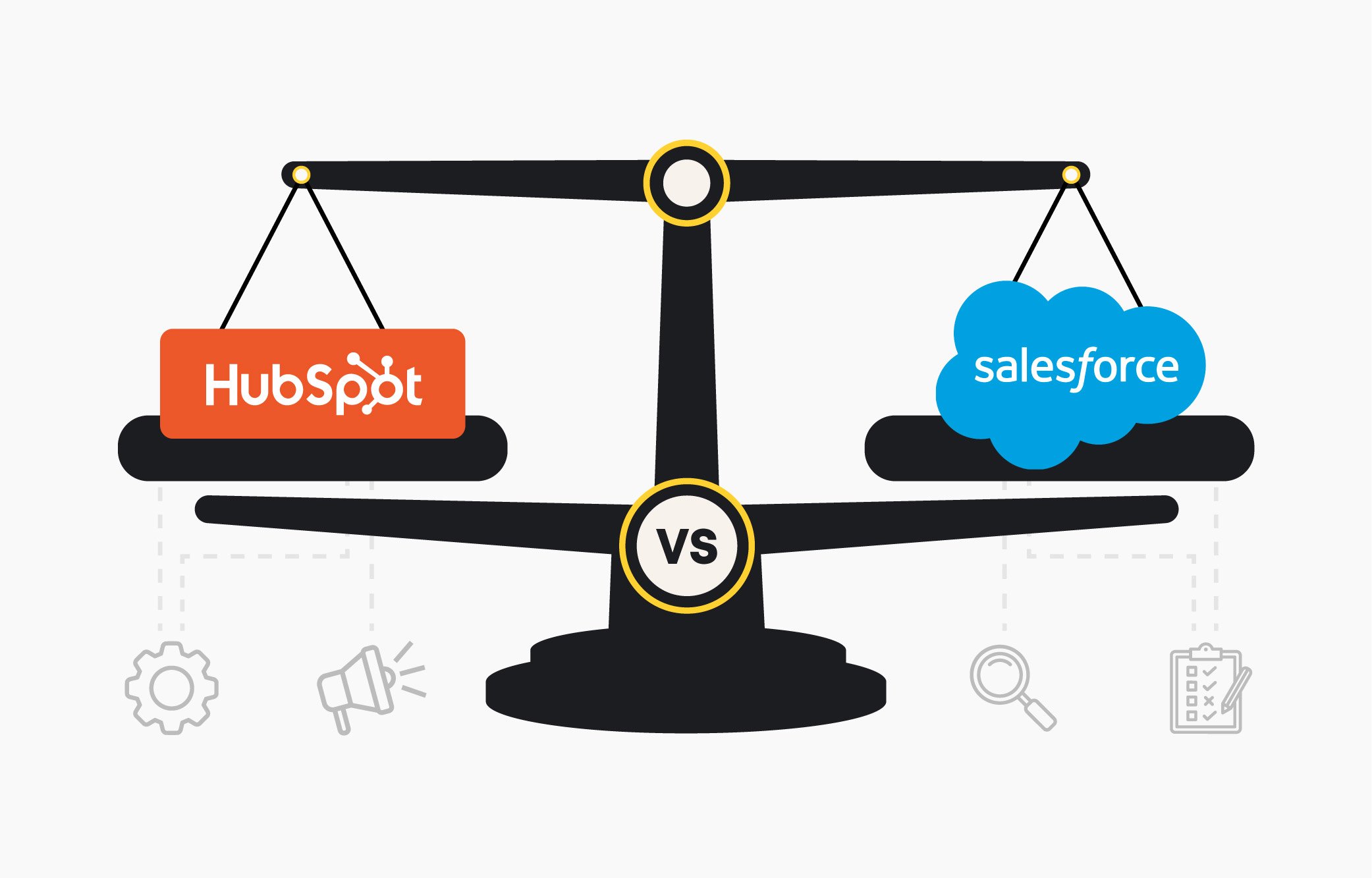
This page compares how HubSpot and Salesforce support enterprise CRM workflows in real operating environments. Each section presents a side-by-side walkthrough showing how core capabilities are configured in practice, what setup or tooling is required, and where operational complexity or efficiency tends to emerge as teams scale.
CRM Workflow Comparisons:
Importing Data
Building Segments
Data Management
Managing Permissions
Pipelines & Routing
Workflows & Automation
Reporting & Dashboards
Prepping for AI
Configuring AI
Importing & Managing Enterprise Data
Comparing Enterprise CRM Data Imports Across Scale, Tools, and Complexity.
This comparison shows how HubSpot and Salesforce handle enterprise CRM data imports, including mapping, deduplication, multi-object associations, required tools, and operational complexity during large-scale backfills and updates.
View Side-by-Side Data Import Comparison
HubSpot Imports
Salesforce Imports
Native imports for all CRM objects
Large files require Data Loader
Automatic mapping + deduplication
Admin access required for imports
Multi-object associations in one upload
Multi-object imports run separately
Errors flagged before import with inline fixes
Errors discovered after import via success/error files
No external tools or admin setup needed
Requires admin access and additional setup
Ready to see real CRM imports in action?
Read the full breakdown on how teams structure data and manage large CRM imports, then see how this exact approach would work inside HubSpot.
Building Segments that Power Automation
Evaluating Enterprise CRM Segmentation for Accuracy, Scale, and Automation.
This comparison examines how HubSpot and Salesforce create and update CRM segments, focusing on accuracy over time, cross-object logic, behavioral data inclusion, and the operational effort required to maintain alignment.
Assessing Enterprise CRM Data Management and System Integration Approaches.
This comparison compares how HubSpot and Salesforce manage CRM data and integrations, highlighting differences in APIs, syncing methods, data governance, tooling requirements, and ongoing maintenance as systems.
View Side-by-Side Data Management Comparison
HubSpot Integrations
Salesforce Integrations
Centralized integrations, sync, and data quality
Data across Setup, Import, Data 360, middleware
Direct REST APIs with scalable limits
Many integrations require Apex or dev-built flows
Webhooks built directly into workflows
Middleware often needed for complex syncing
Native integrations across major tools
API limits vary by edition and restrict volume
Data Hub supports custom code + transforms
Webhooks require custom development work
Curious how your systems connect inside HubSpot?
Explore the full guide explaining how teams model data and connect systems cleanly, then see how this structure would support HubSpot.
Managing Permissions & Access Controls
Reviewing Enterprise CRM Permissions, Access Control, and Governance Models.
This comparison reviews how HubSpot and Salesforce configure CRM permissions, focusing on role management, visibility rules, access governance, and the operational effort required to maintain control as teams and data scale.
Read the permissions guide detailing how growing teams manage roles and access, then see how HubSpot supports scalable user management.
Structuring Pipelines & Routing Logic
Comparing Enterprise CRM Pipelines and Lead Routing Configuration Models.
This comparison highlights how HubSpot and Salesforce configure pipelines and lead routing, focusing on stage logic, assignment methods, rule management, and the complexity involved when territories, teams, or processes change.
View Side-by-Side Routing Comparison
HubSpot Routing
Salesforce Routing
Unified setup for stages, routing, and transitions
Stage logic tied to record types and page layouts
Conditional routing using properties and teams
Routing depends on Flow, Process Builder, or Apex
Round-robin and weighted assignment built in
Assignment rules require ongoing admin alignment
Supports AI routing and custom code actions
Complex transitions can create conflicting logic
Simple governance across pipelines and teams
Multiple tools needed to manage routing at scale
Want to see how routing works at scale?
Read the routing guide explaining how teams handle assignment logic and territory changes, then see how HubSpot manages routing at scale.
Automating Workflows Across the Organization
Evaluating Enterprise CRM Workflows and Automation Across Teams and Systems.
This comparison outlines how HubSpot and Salesforce build and manage CRM automation, focusing on workflow structure, cross-object logic, monitoring, and the effort required to scale automation across teams.
View Side-by-Side Workflow Comparison
HubSpot Workflows
Salesforce Workflows
Unified workflow engine across objects
Automation spread across multiple tools
Built-in branching, delays, and testing
High admin effort to prevent conflicts
Supports webhooks, custom code, and AI
Complex flows can fail without alerts
Centralized monitoring with version control
Updates require manual version testing
Fewer workflows, fewer failure points
Developer support needed for complexity
Ready to see automation built inside your CRM?
Read the automation guide breaking down how teams automate workflows inside their CRM, then see how this automation runs in HubSpot.
Visualizing Data with Reporting and Dashboards
Evaluating Enterprise CRM Reporting and Dashboards for Cross-Object Visibility.
This comparison reviews how HubSpot and Salesforce handle CRM reporting and dashboards, focusing on cross-object visibility, real-time updates, configuration effort, and flexibility when reporting needs change.
Evaluating Enterprise CRM Readiness for Responsible and Scalable AI.
This comparison explains how HubSpot and Salesforce prepare CRM data for AI, focusing on data unification, governance, setup requirements, and the effort involved before AI features can be used reliably.
Reviewing Enterprise CRM AI Agent Configuration and Deployment Models.
This comparison examines how HubSpot and Salesforce configure AI agents and assistants, focusing on setup effort, data access, permissions, and how quickly AI can be deployed across teams.
.png?width=552&height=88&name=aptitude8%20-%20standard%20-%20White%20-%20LG%20(1).png "aptitude8 - standard - White - LG (1)")
.png?width=750&height=405&name=Building%20a%20Scalable%20HubSpot%20Strategy%20(2).png)